First Debug Session
Verify network capture, performance metrics, and resource browsers are working.
Use this checklist when DebugSwift is installed but something does not appear to be working as expected.
Checklist
- Running a DEBUG build (not Release or TestFlight)
- setup() called before the first URLSession request
- Floating ball visible or debugViewController() presented
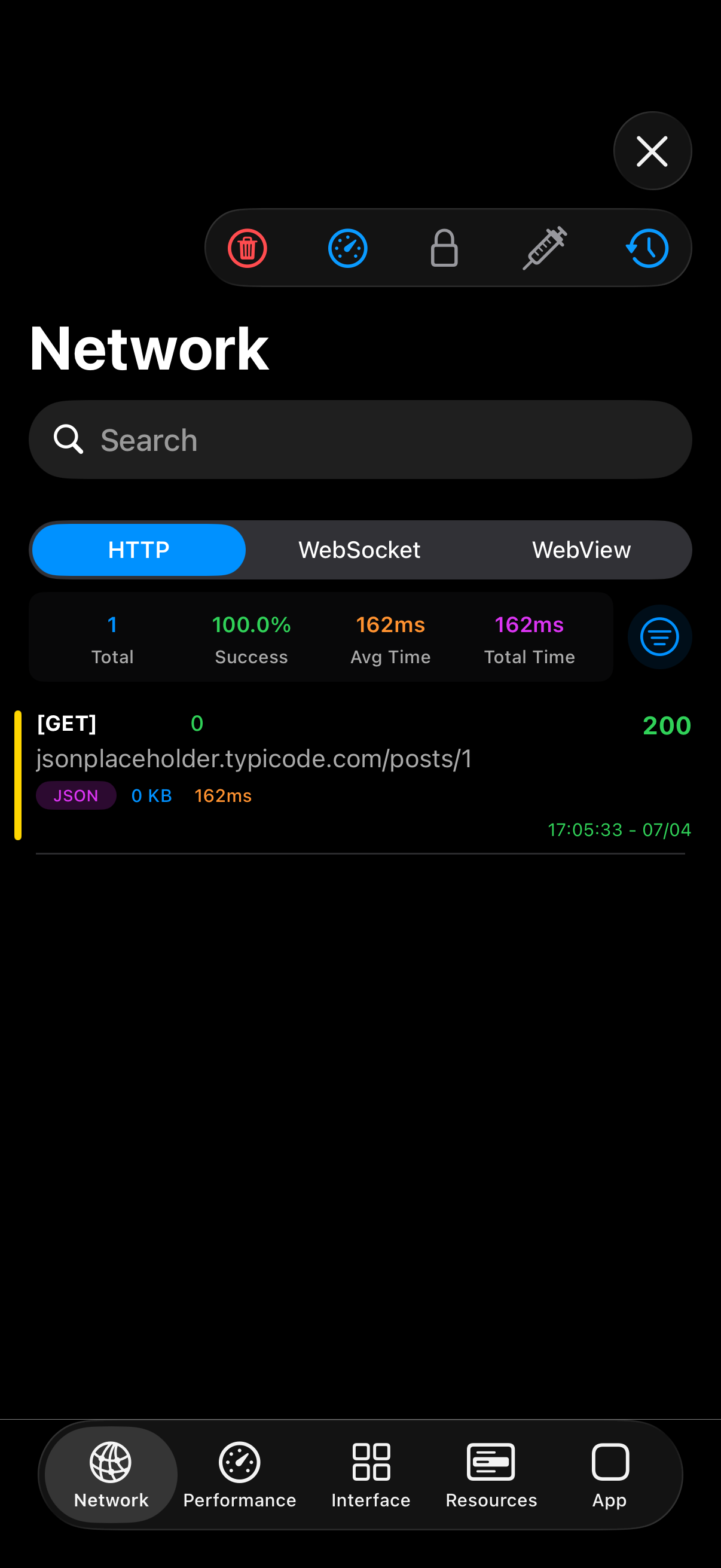
- At least one network request triggered after setup
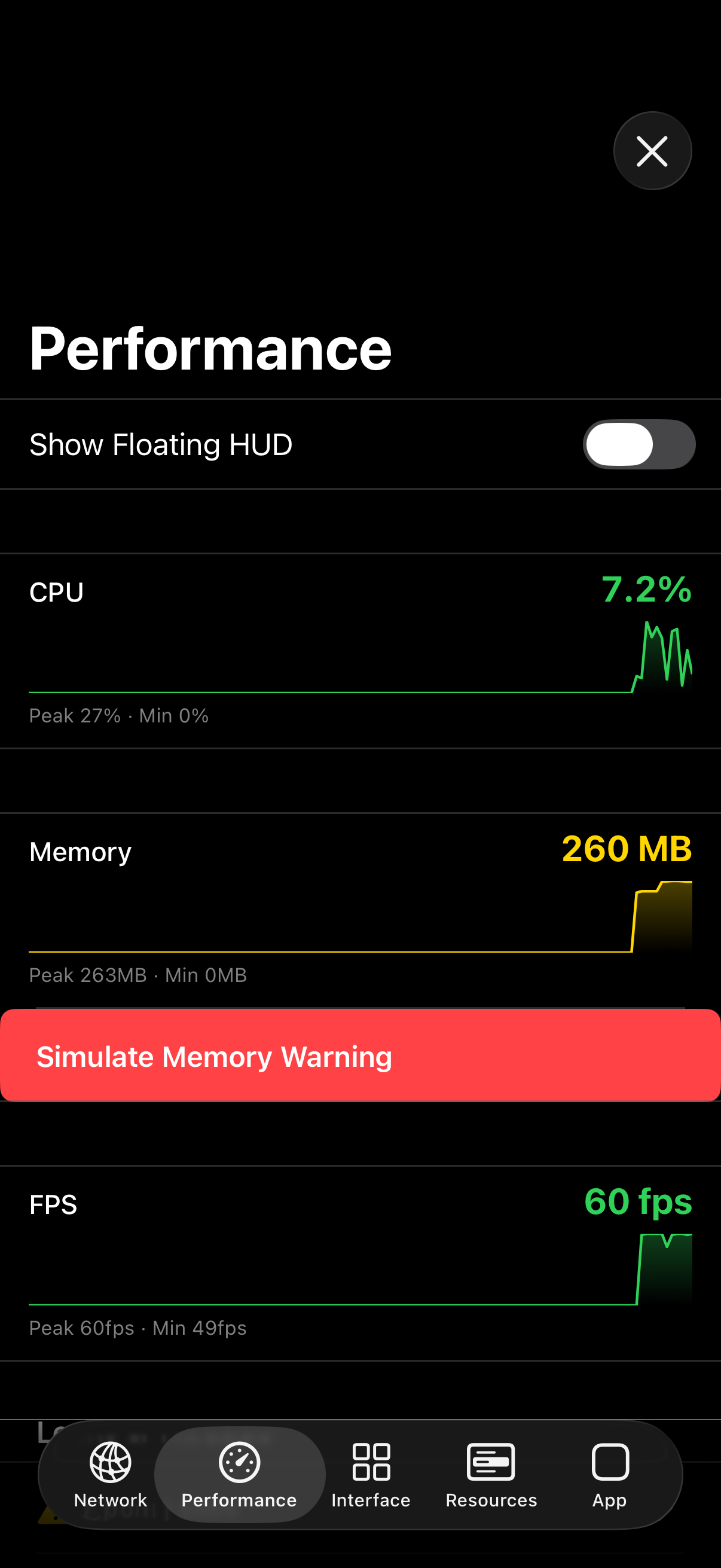
- Performance tab shows live CPU and memory readings
Network not capturing?
If you create URLSessionConfiguration instances before setup(), inject manually with DebugSwift.Network.shared.injectIntoConfiguration(_:). Also check ignoredURLs and onlyURLs filters.
WebSocket not appearing?
WebSocket capture is automatic for URLSessionWebSocketTask. No extra configuration is required after setup().
Performance overlay empty?
Ensure .performance was not passed to setup(disable:). The widget needs a few seconds of runtime to stabilize readings.