Configuration
Network filters, selective feature disable, custom actions, and programmatic presentation.
Disable specific features
Pass a disable array to setup() when you want network capture without leak detection, or performance metrics without the floating ball.
debugSwift.setup(disable: [leaksDetector, network])Network URL filtering
Ignore analytics noise or restrict capture to your API domain.
DebugSwift.Network.shared.ignoredURLs = ["https://analytics.com"]
DebugSwift.Network.shared.onlyURLs = ["https://api.myapp.com"]
Clear network history
Reset HTTP and WebSocket history when switching environments.
DebugSwift.Network.shared.clearNetworkHistory()
await DebugSwift.Network.shared.clearAllNetworkData()
Manual URLSessionConfiguration injection
If you create URLSessionConfiguration before setup(), inject the monitoring protocol manually.
let config = DebugSwift.Network.shared.defaultConfiguration()
let session = URLSession(configuration: config)
Programmatic presentation
Skip the floating ball and present debugViewController() from your own debug menu or SwiftUI sheet.

Custom actions and info
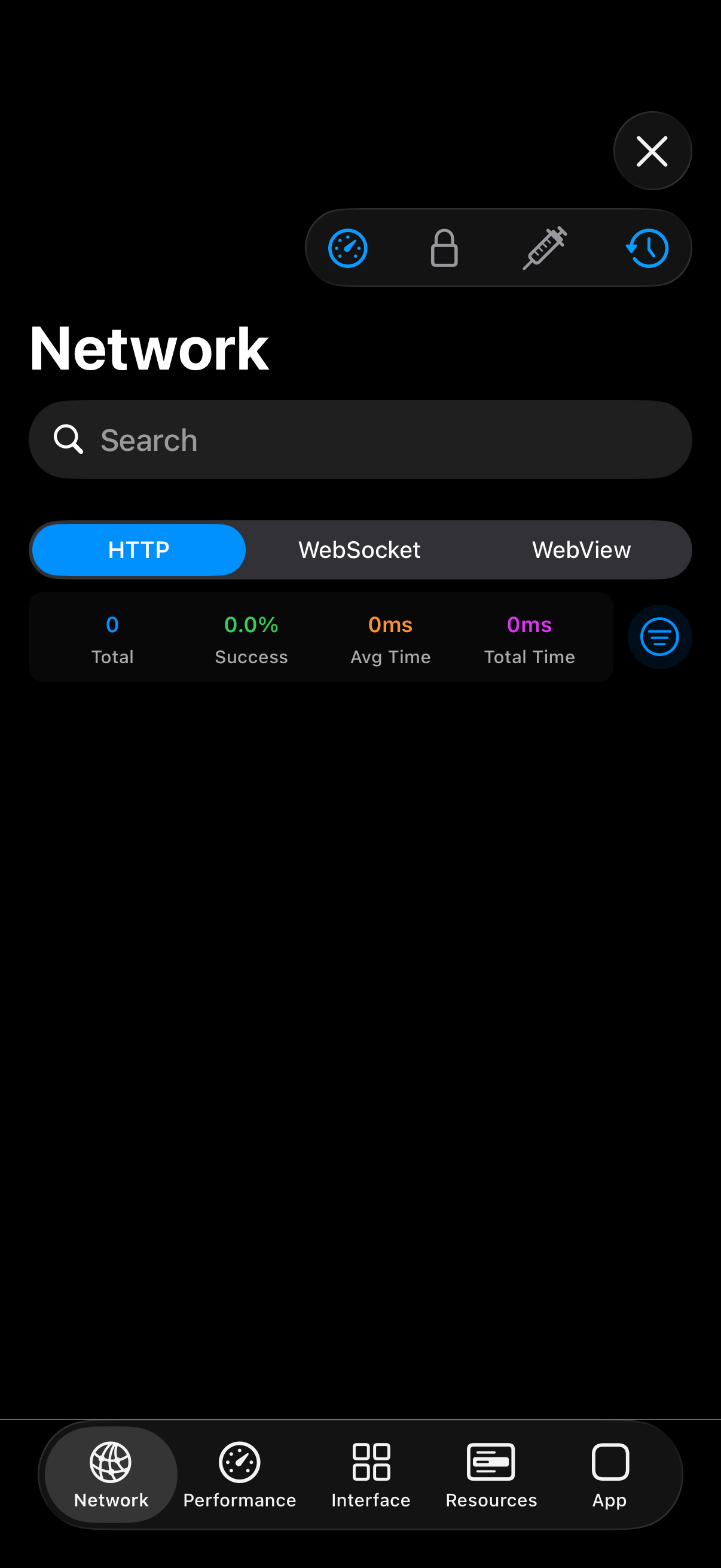
Register team-specific debug actions and read-only info panels in App Tools.
DebugSwift.App.shared.customAction = {
    [init(title: "Dev Tools", actions: [
        init(title: "Clear User Data") { /* ... */ }
    ])]
}