SwiftUI makes UI code concise, but performance debugging is harder than UIKit. There is no drawRect to breakpoint. A state change can re-render an entire tree, and nothing in Xcode tells you which views redrew or why. The symptom is familiar: scrolling stutters, typing lags, or CPU spikes on a screen that looks simple. The cause is often an @State or @ObservableObject update propagating farther than you expected.
What render tracking shows
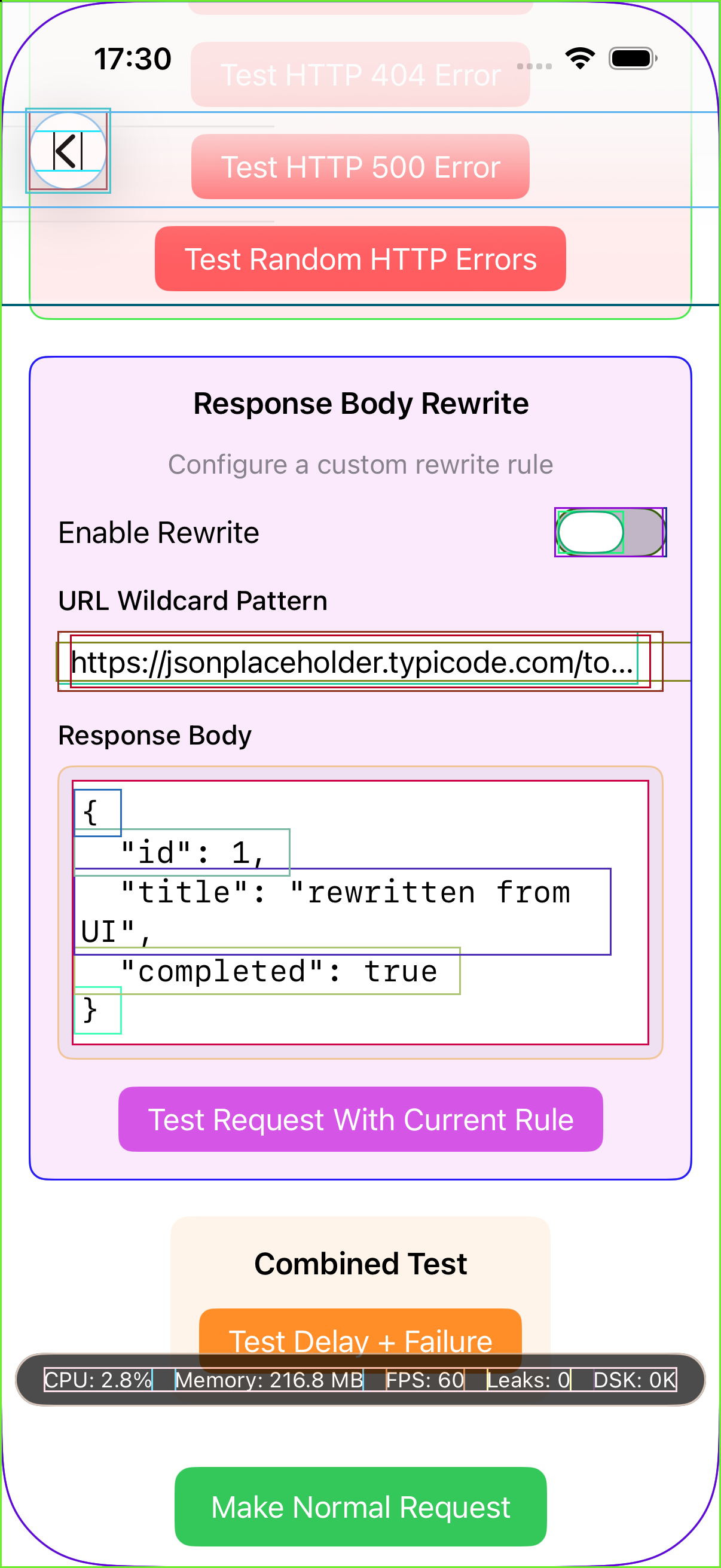
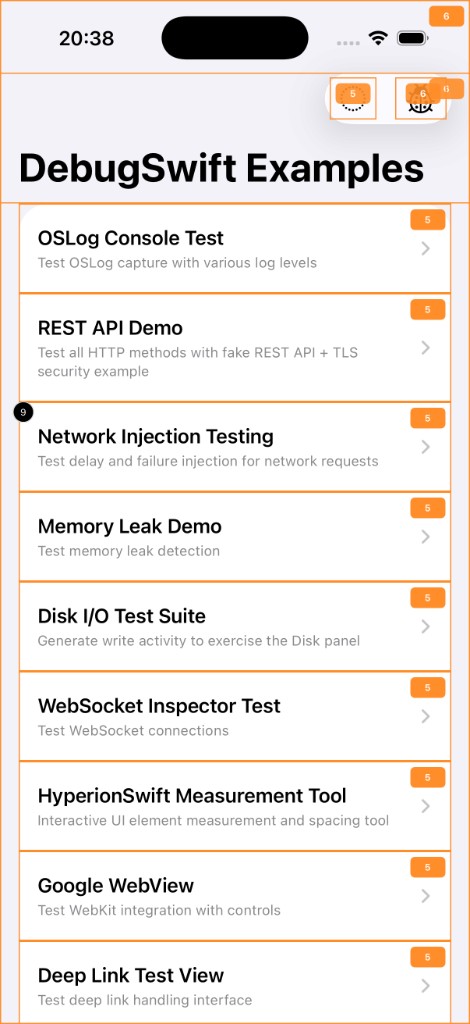
DebugSwift's SwiftUI Render Tracking (beta) overlays your running UI with visual indicators when views re-render. A dedicated settings screen lets you tune sensitivity and filter noise so you can focus on views that redraw excessively.

Enabling the beta feature
Render tracking is behind the beta features flag because it adds instrumentation overhead. Enable it explicitly at setup time:
debugSwift
    setup(enableBetaFeatures: [swiftUIRenderTracking])
    show()
Finding wasted work
- Identify @State changes that trigger full-screen redraws instead of local updates
- Spot expensive child views missing Equatable conformance
- Compare render counts before and after wrapping a subtree in EquatableView or using @Observable (iOS 17+)
- Detect unnecessary body re-evaluations when parent state changes but child inputs do not
Typical fixes once you find the culprit
After render tracking highlights a hot view, the fixes are usually structural: move state closer to the views that need it, split large bodies into smaller subviews so SwiftUI's diffing can skip unchanged branches, add Equatable to models passed into ForEach, or replace @ObservedObject with @StateObject at the correct ownership boundary. The overlay tells you where to look; Apple's SwiftUI performance documentation and Instruments Time Profiler tell you how deep the problem runs.
Beta expectations
This feature is actively evolving. Expect some false positives on system-managed views and containers. Use it as a directional signal during development, not as a CI gate. Feedback via GitHub issues directly shapes sensitivity defaults and filtering rules.